Virtual Classroom API to Deliver Live Online Classes from Your Website or App
Create a unique learning environment for students on your teaching website using WizIQ online classroom API
WizIQ Virtual Classroom API gives you Single Sign-On (SSO), so users don’t have to juggle between login id’s to log onto your website, LMS or CMS:
Schedule a Live Demo
Integrate Virtual Classroom API with your website and make it a complete ‘online teaching website’
WizIQ’s Virtual Classroom is 100% browser-based. You can make your website an online tutoring/teaching website and anyone can access the Virtual Classroom instantly, and without having to download a software or host server. Let your teachers focus on delivering classes and helping students, with the help of our wide range of tools.
Features you get when you integrate Virtual Classroom to your website using API:
- Real-time communication and collaboration
- Host your classes on top-tier infrastructure
- Content sharing
- Recording
- Whiteboard
- Customization options
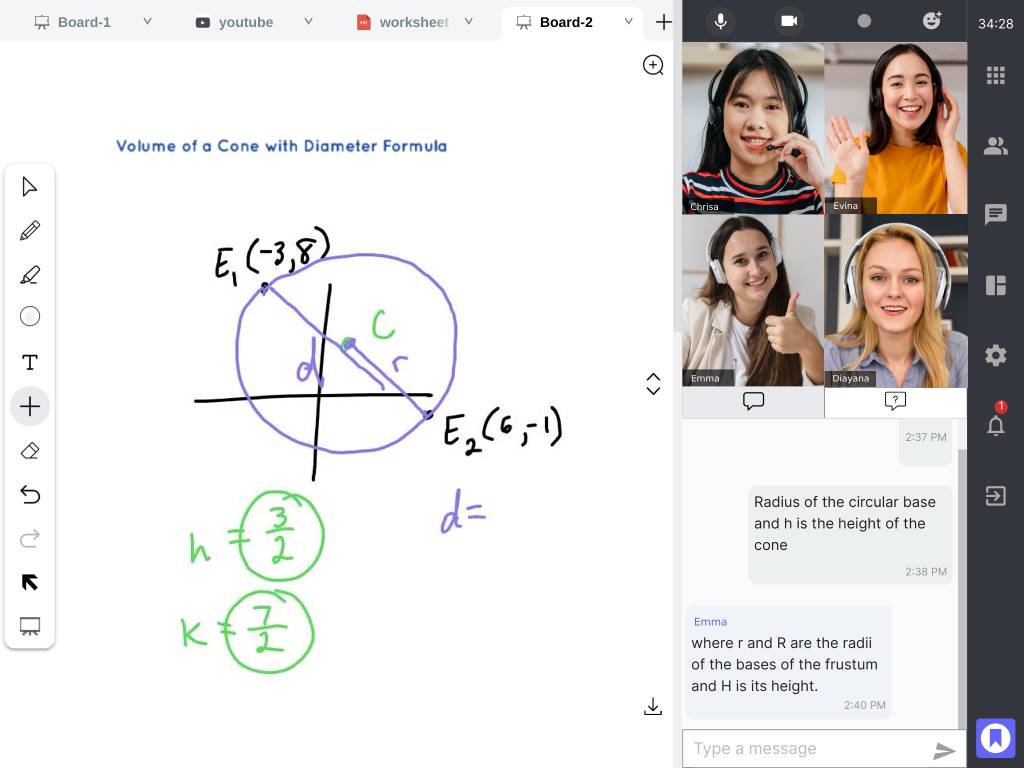
Real-time communication and collaboration
Access the WizIQ Virtual Classroom’s synchronous communication tools from within your website, CMS or LMS, enjoying features such as:
- Multi-way VoIP audio chat with any number of participants
- Video chat for up to 5 people
- Both one-on-one and group text chat with emoticons, fonts and text colors to distinguish speakers, topics and contexts
- A hand raising tool to draw a teacher’s attention
- Full-screen video for a variety of screen sizes
- Polls for gathering feedback and evaluating student learning

Content sharing
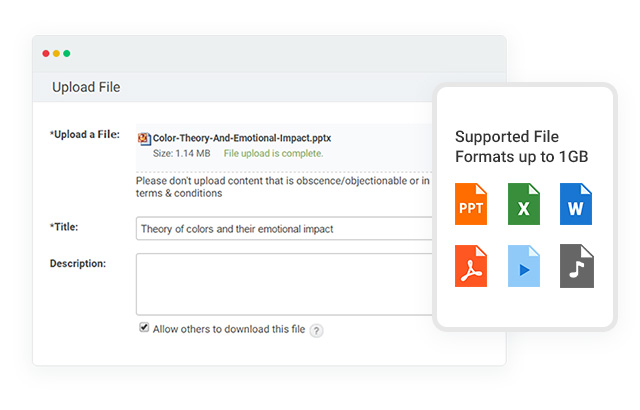
Integrating the WizIQ Virtual Classroom lets teachers distribute and share any number of file types during sessions:
- Load your content ahead of time, or on-the-fly during class
- Play video and audio files for the class through our built-in media player
- Even YouTube videos!Show students your PowerPoint presentations, PDFs, multiple whiteboards and even your desktop
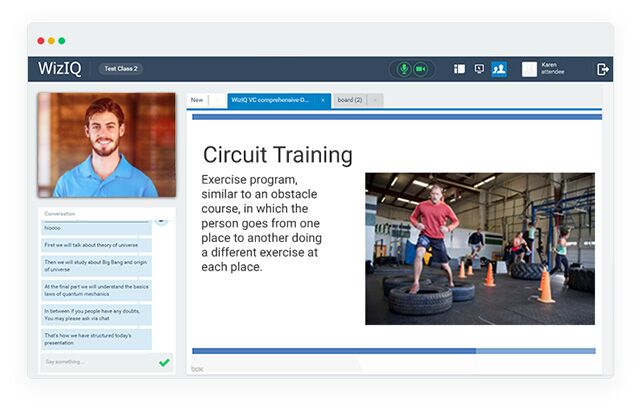
Whiteboard
The WizIQ Virtual Classroom’s whiteboard tools enhance interactivity and keep learners focused and interested. Take advantage of our:
- Math tool, with arrows and other visual cues
- Drawing tool, with pointers, markers, graphics and much more
- Writing tool with multilingual support
- Multiple whiteboards using browser-like tabs
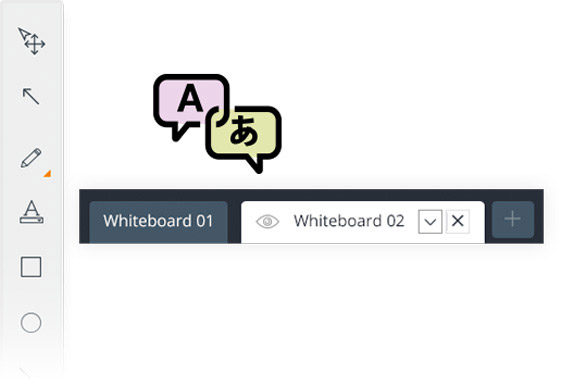
Recording
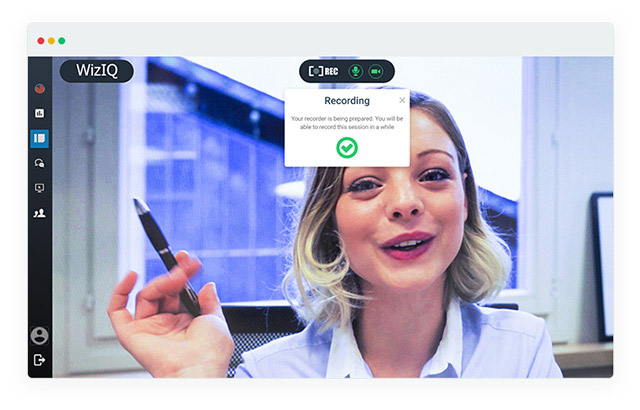
The WizIQ Virtual Classroom allows teachers to record their classes. It also offers extensive tracking features for teachers to evaluate students’ performance:
- Recorded classes can be viewed or downloaded anytime. Share with the students for their review if you want!
- Detailed reports tell you who views and downloads the class recordings
- Detailed class attendance reports let you know who made it to class and who missed
Customization
The WizIQ API, for making a virtual classroom website, provides advanced customization tools:
- Configure your multilingual interface to communicate in English, Spanish, Portuguese, Hebrew, Thai, Chinese and Russian
- Co-brand the WizIQ Virtual Classroom and add your own logo in your online tutoring website
- Organize your content library into folders and sub-folders, and quickly find what you need when you need it
- Prepare your teaching environment before class so your content, polls and other materials are right at your fingertips
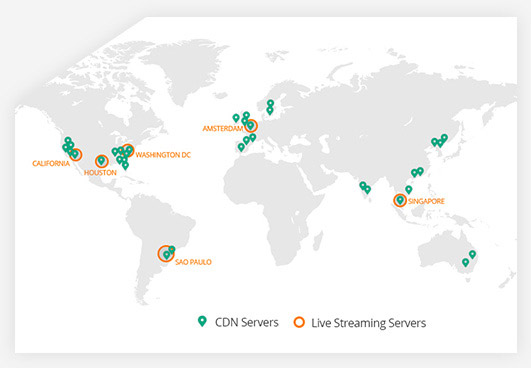
Host your classes on top-tier infrastructure
WizIQ ensures that your virtual classrooms and online collaboration areas are available round the clock. We achieve this through our state-of-the-art infrastructure consisting of servers located in world-class data centers with uninterrupted power supply, fully meshed Tier 1 connectivity to multiple backbone providers, in-depth monitoring, just to name a few.